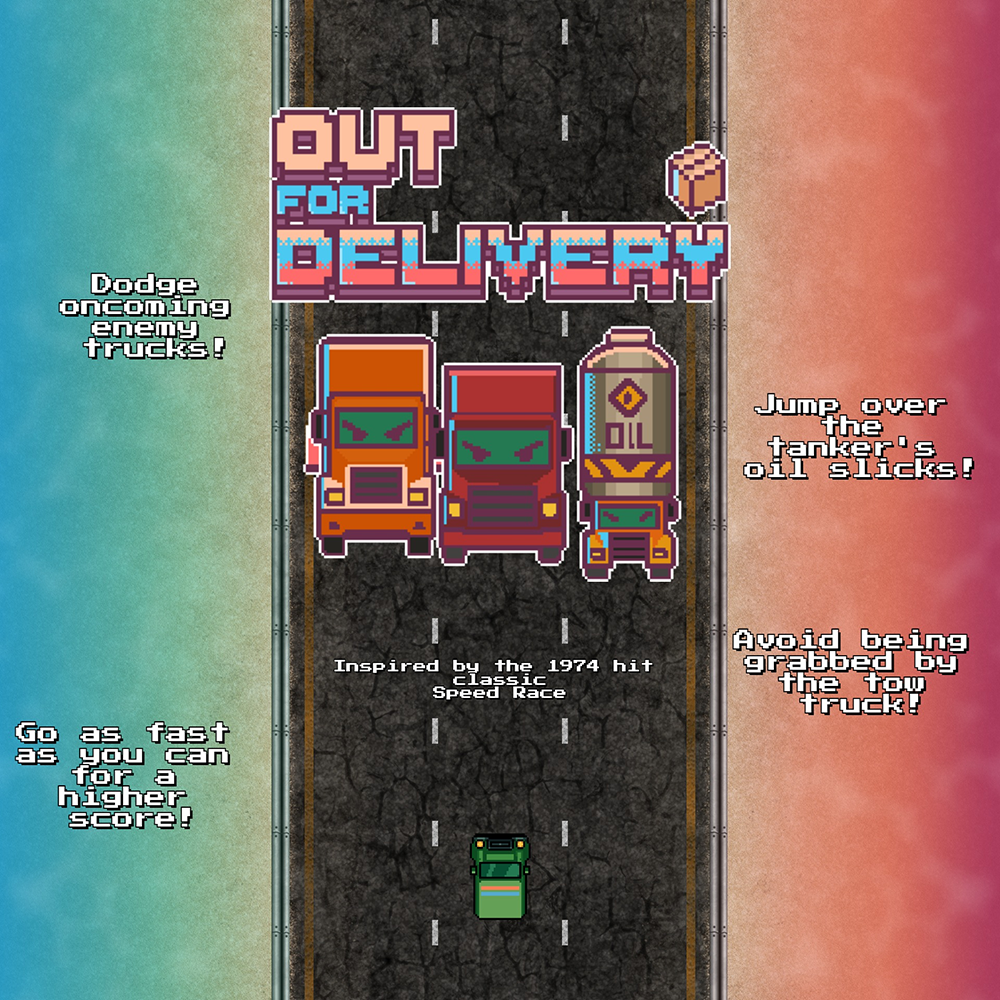
Out 4 Delivery
Roles and Responsibilities:
Designed and Implemented core movement systems (velocity-led steering, jumping over obstacles, and crashing into walls) with C#.
Used state machine logic to implement complex enemy behaviors, such as player targeting and defensive retreats.
Programmed UI and game-based animations (such as the camera shaking when the car crashes, title screen fading in on starting the game), using animators and transition rules in the Unity engine.
Utilized Github to manage source control and mediate merge conflicts.
Tow Truck Logic:
When implementing the two truck enemy, I knew its logic would be more complex than the standard trucks, which simply fly by the player as passive obstacles. In contrast, the tow truck would sit at the top of the screen, matching the player’s speed, before swooping down to try and grab the player with its hook before swining them into a guardrail.
To accomodate for this variety of actions, I based the tow enemy around a central enum called TruckState that can transition between the following states:
Entering (entering the screen for the first time)
Tracking (attempting to tow the player)
Towing (bringing a hooked player to a guardrail)
Returning (going back to the top of the screen after hooking a player)
Leaving (leaving the screen after being defeated)
The below snippet displays an example of how the truck will act during an update frame.
Crashing & Animations:
At the last minute before submitting our game, I realized that we needed a bit more “juice” to accentuate events like crashing the car or landing a big jump, as they felt a bit flat. To accomodate for this, I added a quick animator state machine to the main camera with several crashing animations, which could be randomly triggered at the call of a function.
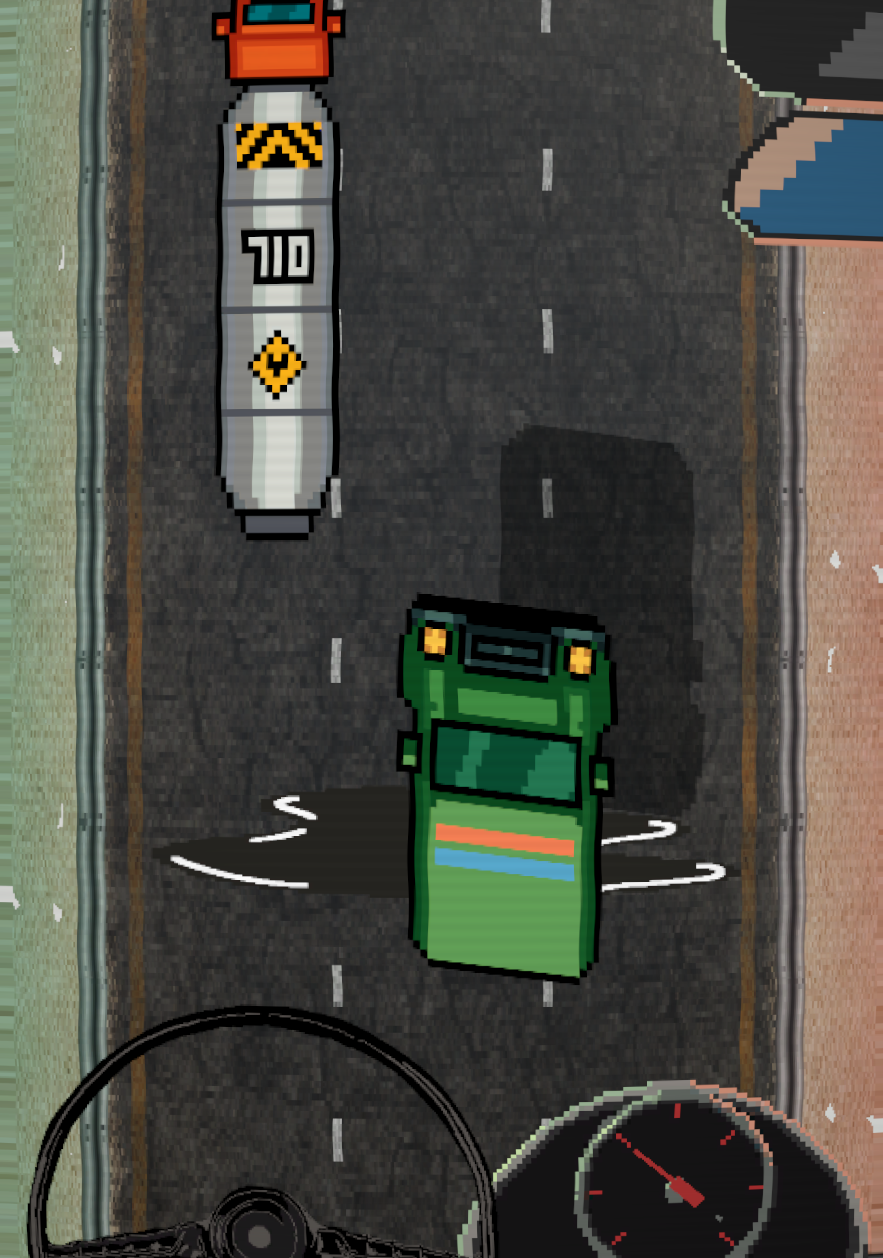
Encouraged by some positive playtesting feedback, I took this a step further with an animated steering wheel and speedometer at the bottom of the screen that rotate to reflect the player’s input. These small examples of feedback helped make a simple game feel alive, responsive, and exciting. I was empowered to accomplish this with the excellent work of my teammates, who quickly created high-quality pixel art assets for a rapidly changing game.
The below snipppet displays the player’s crash function, with an example of how animations are triggered from the car controller script.
Wrapping Up:
Out 4 Delivery was created in two weeks for a mobile game jam hosted by the University of Utah. As most of my project are developed over months/years, it was refreshing to rapidly prototype in an environment where our only real concern was making a fun and accessible experience. Even in a project as small as this, I was able to develop my programming and in-engine prototyping skills by writing fast, clean code for a quicky evolving project.
This project was a great chance for my teammates and I to practice technical design skills by each contributing to the process of ideation, implementation, and testing as we worked to find the fun.
Platform: PC, Mobile
Engine: Unity
Production Time: 2 Weeks
Size of Team: Solo
Roles: Gameplay Engineer, Systems Designer
Link To Game: Out 4 Delivery on Itch.io
Core Movement Systems:
As a mobile game designed for accessible and short sessions, we focused on 3 axes of player interaction for the car:
Steering left to right using the device accelerometer.
Jumping over obstacles by flicking the device up and down.
Accelerating speed by pressing a finger on the device.
I implemented these systems with an emphasis on rapid prototyping and iteration, as our short time frame for development forced us to try mechanics quickly in search of the fun.
I implemented basic car movement using simple vector math and Unity’s 3D physics engine, with the car’s transform position being updated each frame based on player input. The below snipped displays how the car’s steering logic functions in an update frame.