
Custom Game Engine Devlog Week 1
Estimated Time Spent: 7 hours
Accomplishments:
Initialized the project
Set up build dependencies for multiplatform development
Created a simple test game with animated shaders
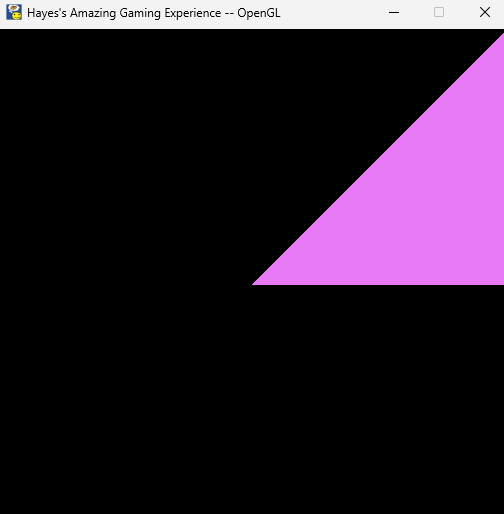
Screenshot of the built game
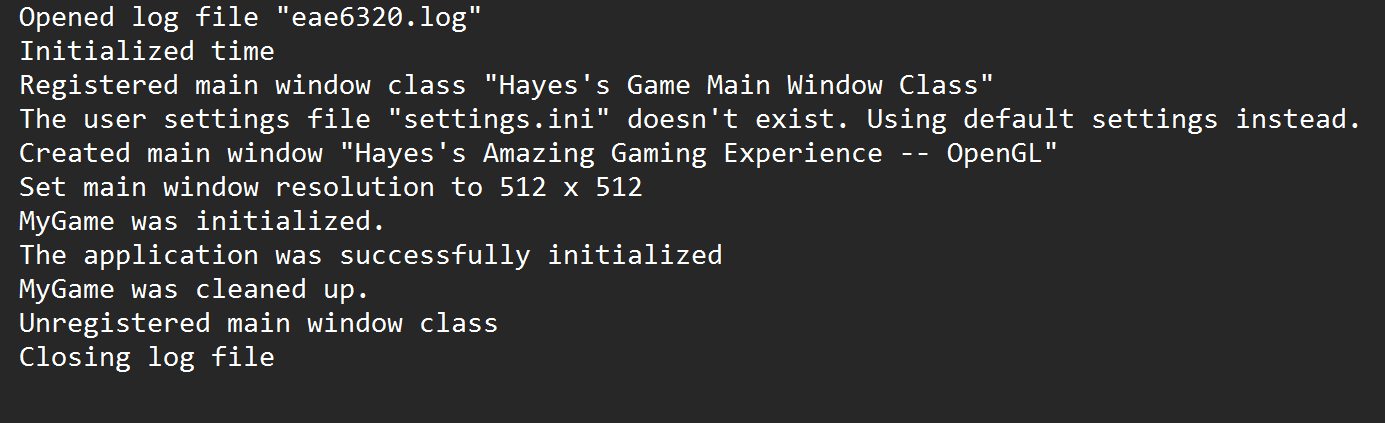
Log file after playing the built game
Debugging Build Dependencies:
The first big challenge of the assignment was adding the graphics library and determining what libraries needed to depend on it - too few and it could cause errors, too many and it could alter the dependency order down the road. My solution was to use the “Find In Files” functionality, searching the solution for the term ‘Graphics::’. I used this same method when determining what libraries Graphics needed to depend on, searching the namespace for each library inside the graphics project and making note of functions or member variables that were referenced. However, seemingly regardless of the libraries I chose as dependencies, I consistently had the following build error:
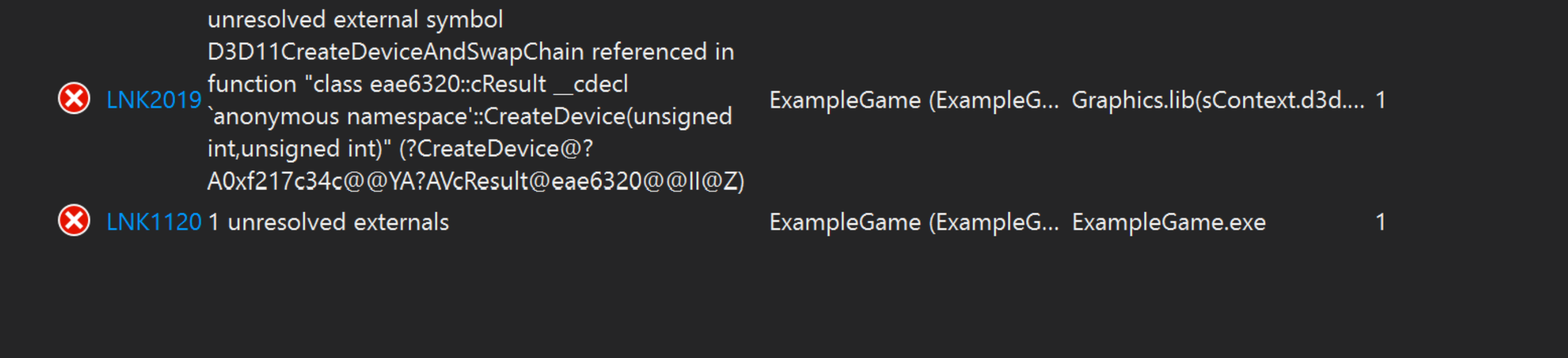
Knowing LNK errors to be related to dependencies, I spent some time investigating my build order to make sure I hadn’t overlooked any critical references. Eventually I realized that while I had added the correct references, I had not force included a file called ‘ExternalLibraries.win.h’, which references neccessary external graphics libraries. This was a great lesson about developing for multiple platforms, as, while I had previously force-included the file for debug x86 builds, I had forgotten to do the same for release and x64 builds. Multiplatform development is a practice in patience and double-checking, as we ensure that a given solution is correct for all configurations, not just the one being currently tested.
Exploring the Codebase:
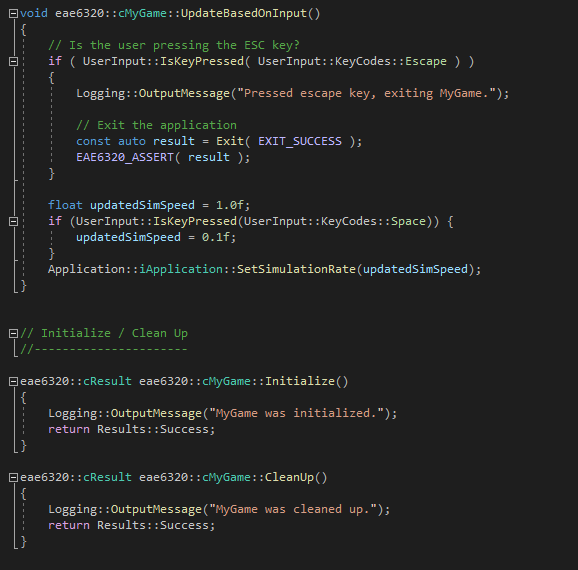
While I’ve spent plenty of time programming in gameplay contexts, I have very little experience designing large software architecture and making intelligent choices regarding systems design. This project has been a great way to improve these skills, as I can build off existing structures from more experienced programmers to make informed design choices. One element I noticed during my review of the engine framework is that many of the engine systems follow the same pattern found in graphics programming: Initialize(), Update(), and Cleanup(). Recognizing this familiar structure allowed me to keep my own code additions within the same pattern, maintaining a clean structure for readability and extendability. The below image displays this recognizable pattern in the pre-written logic for my simple triangle game:
Understanding Existing Systems:
One challenge I was given was to alter the engine’s simulation speed based on user input inside my game. This task was a great opportunity for me to gain a better understanding of the engine framework, as I searched through various projects within the solution, following functions and references like a bread crumb trail until uncovering the function that could change simulation speed. I first double checked that this function had no unintended side effects (such as altering systems I was not aware of) by searching for references inside the solution. Next, I called this function in my game code, allowing a fragment shader to alter it’s animation speed based on this input. This is a small but meaningful example of how generic engine code (time management) can be used for specific purposes by game code (shader color alternation speed).
Week Overview:
For this assignment, I utilized an existing (yet incomplete) custom game engine framework to create a simple game in which a triangle flashes different colors on a black screen. This engine operates within Visual Studio 19, and the game is multiplatform, building on two matrices: OpenGL vs. D3D, and x64 vs. x86. The central focuses of this task are listed below:
References and Dependencies
When building an engine from source, many different projects and libraries are built, with some relying on others to complete essential functions. While the build order is defined automatically, it’s critical that we define references for each project, which are libraries that the project depends on. For example, my custom game project depends on Graphics being built in order to run, which in turn depends on the math library.
Engine Code vs. Game Code
The line between engine and game-specific code can be blurry, with engine code needing to earn its abstracted place through reuse and generalization. General features that many games need, such as logging or graphical rendering, should be abstracted to the engine layer, while specific features (in our case, a flashing color shader), should sit within the game code.
Multiplatform & Interfaces
When creating a game for multiple platforms, it’s important that this complexity (such as d3d rendering versus openGL) is not surfaced to the end-user, such as a designer or gameplay programmer. Thus, we use interfaces for the custom game project to hide complex behavior when it is unwanted.